

Nvidia RTX 5060 Ti 8GB Performance Issues: Why PCIe 4.0 and Low VRAM Are Holding It Back
Is your new Nvidia RTX 5060 Ti 8GB not living up to
your expectations? You might be shocked to discover that your
motherboard could be holding it back. Recent benchmarks reveal that this
GPU can lose up to 10% of its performance when
connected via PCIe 4.0 instead of PCIe 5.0. But wait, there’s more to
this story—and it might change how you think about VRAM in modern
gaming.
Performance Comparison: PCIe 4.0 vs. PCIe 5.0
Let’s dive into the numbers. Tests conducted by Computer Base on 27 popular titles at 1440p resolution show that the RTX 5060 Ti 8GB averages 59.4 FPS on a PCIe 5.0 motherboard but drops to 55.82 FPS on PCIe 4.0. While this might seem like a minor difference, some games suffer much more significantly.
Here are the top 5 games with the biggest performance hits:
- Indiana Jones and the Big Circle: 12.2 FPS drop (from 40.5 to 28.3 FPS)
- Final Fantasy XVI: 11.4 FPS drop (from 55.4 to 44 FPS)
- Spider-Man 2: 8.1 FPS drop (from 26.9 to 18.8 FPS)
- Monster Hunter Wilds: 7.9 FPS drop (from 54.4 to 46.5 FPS)
- F1 24: 6.9 FPS drop (from 82 to 75.1 FPS)
These drops are not just numbers; they can mean the difference between smooth gameplay and frustrating stutters.
Why Is This Happening? The VRAM and PCIe Bottleneck
So, why is this happening? The culprit is likely the combination of
limited VRAM and PCIe bandwidth. The RTX 5060 Ti 8GB, as its name
suggests, comes with only 8GB of video memory. In
today’s gaming landscape, where titles are becoming increasingly
demanding, 8GB is often not enough, especially at higher resolutions or
with maxed-out settings.
When a game requires more VRAM than available, the GPU has to rely on
system RAM, which is much slower. This is where PCIe bandwidth comes
into play. PCIe 5.0 offers double the bandwidth of PCIe
4.0, allowing for faster data transfer between the GPU and the system.
With PCIe 5.0, the performance hit from using system RAM might be less
severe, but on PCIe 4.0, the bottleneck becomes more pronounced.
In essence, the RTX 5060 Ti 8GB is handicapped by its limited VRAM, and using it on a PCIe 4.0 slot exacerbates the issue.
Impact on Mainstream Gamers
This issue is particularly concerning for mainstream gamers. The RTX
5060 Ti 8GB is positioned as a mid-range card, attractive to users who
want good performance without breaking the bank. However, these users
are also more likely to have older motherboards that only support PCIe
4.0.
Imagine upgrading your GPU, expecting a significant boost, only to
find that your favorite game runs worse than before. It’s a scenario
that could leave many gamers frustrated and confused.
Recommendations for GPU Buyers
If you’re in the market for a new GPU, especially for gaming, here’s what you should consider:
- VRAM is crucial: Aim for at least 12GB of VRAM to future-proof your setup. Many modern games already benefit from more than 8GB, and this trend will only continue.
- Check your motherboard: Ensure your motherboard
supports PCIe 5.0 if you’re considering a high-end GPU. While the RTX
5060 Ti 8GB is affected, future GPUs might also show similar issues if
VRAM is limited. - Consider your game library: If you play titles known to be VRAM-hungry, like those listed above, prioritize GPUs with more memory.
Conclusion
In conclusion, while the Nvidia RTX 5060 Ti 8GB might seem like a
tempting option, its performance issues on PCIe 4.0 and limited VRAM
make it a risky choice for modern gaming. To avoid disappointment,
invest in a GPU with sufficient VRAM and ensure your system can support
it fully.
For more tech insights, news, and reviews, visit blog.urtechy.com. Stay informed and make the best choices for your gaming rig!
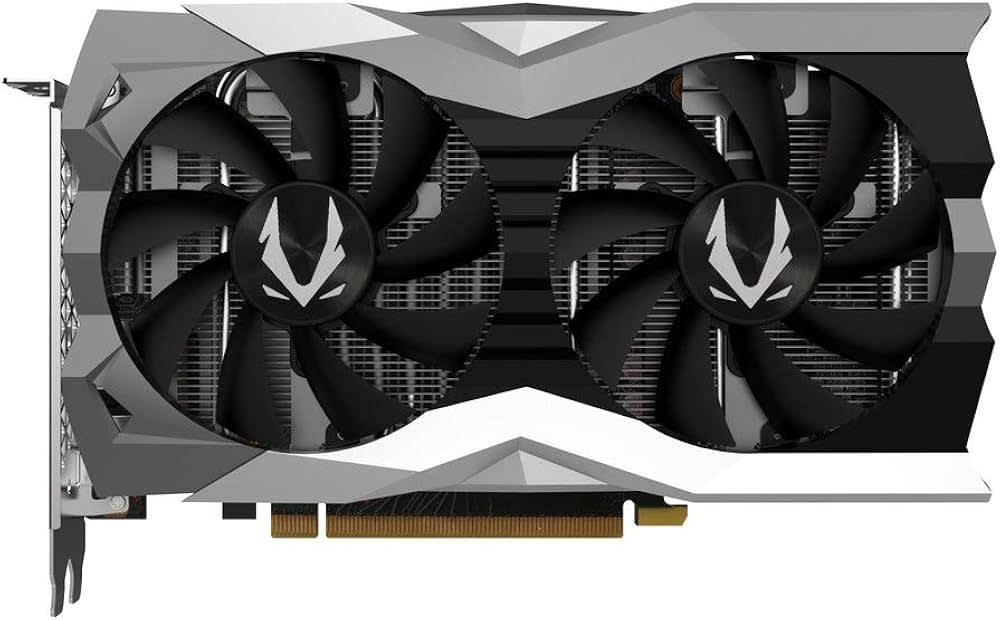
Image: Zotac RTX 5060 Series (Credit: Zotac)